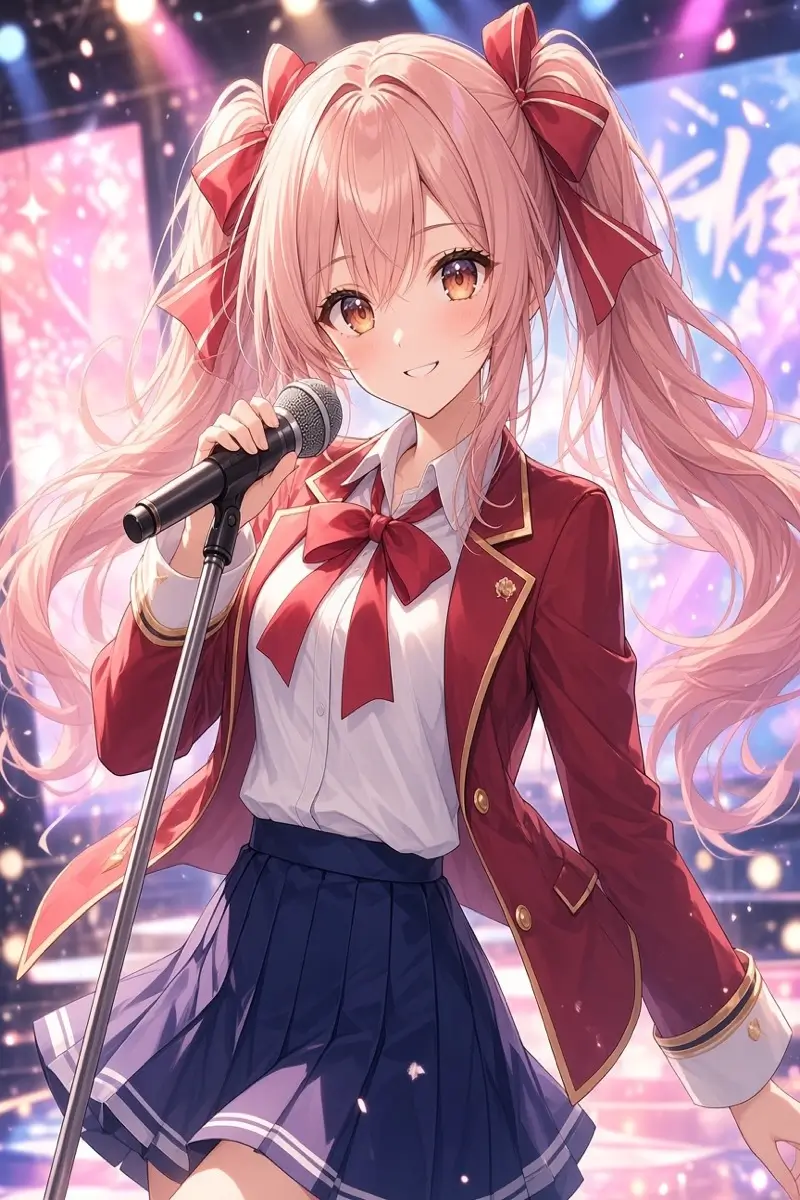
 Before
After
Idol Stage Performance
Explore what you can create with AI image to video. From subtle character movements to dramatic anime action, turn your favorite illustrations into animated scenes with simple motion prompts.
BeforeIdol Stage Performance
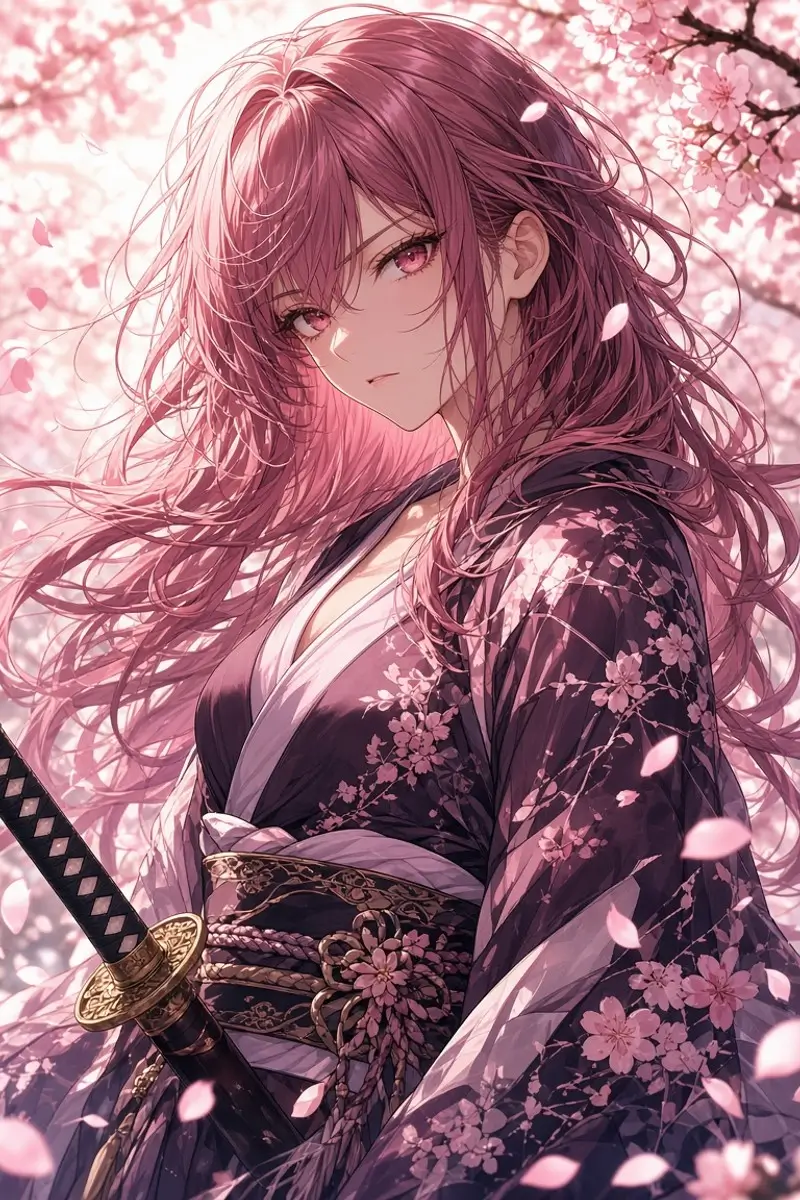 Before
Sakura Sword Strike
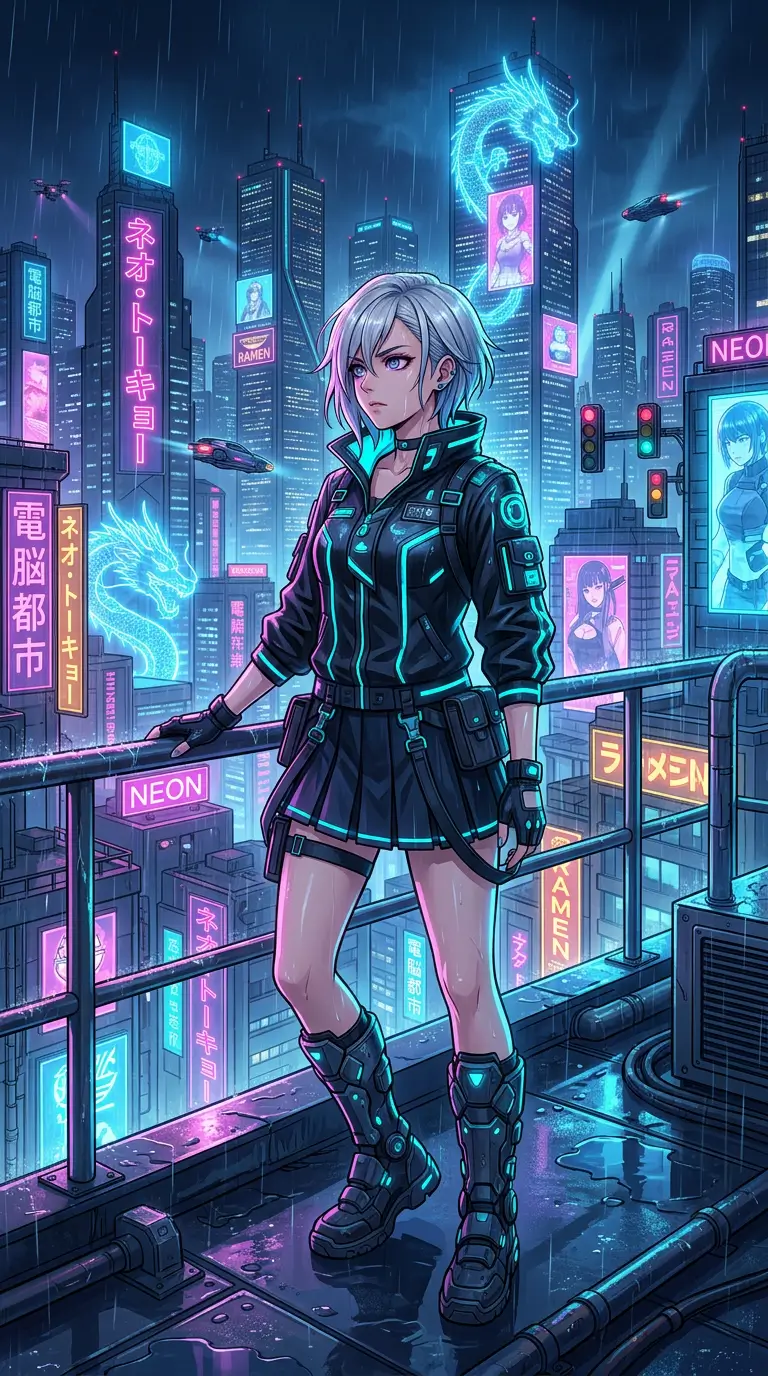 Before
Cyberpunk Rooftop
 Before
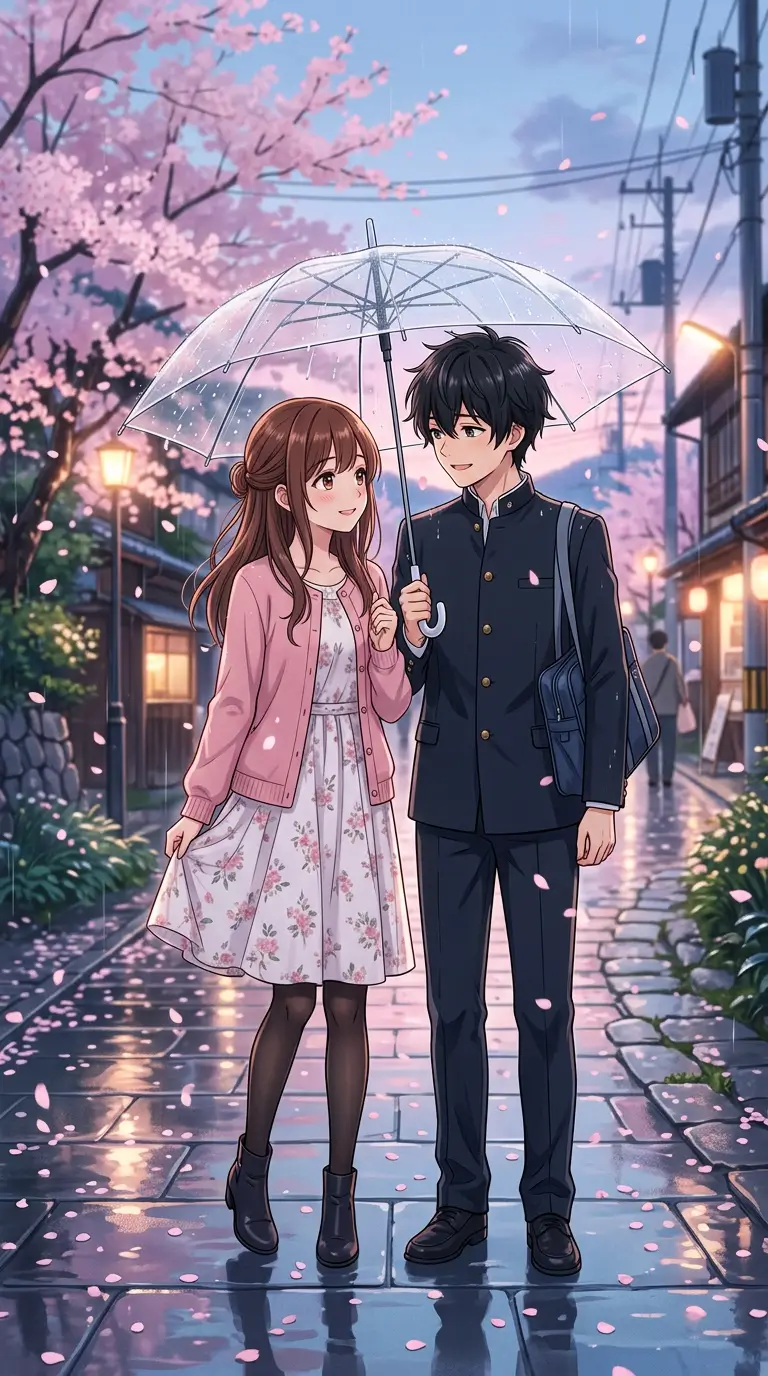
Rainy Umbrella Walk
Create animated anime videos from your favorite images with an intuitive AI-powered workflow. Describe the motion you want and let AI help bring your characters and scenes to life.
Bring static anime characters to life with natural movements, subtle expressions, flowing hair, and dynamic poses. Create anything from gentle portrait animations to energetic character actions.
Describe how your character should move, what happens in the scene, and how the camera should behave. Use simple instructions to guide character actions, environmental motion, and visual pacing.
Give your anime scenes a more dynamic look with camera movements such as slow push-ins, pans, tracking shots, and gentle orbits, where supported by your selected video model.
Use your source image to guide the video's character design, colors, composition, and art style. For the best results, start with a clear image and use focused motion instructions to help maintain visual consistency.
Add movement to elements already present in your artwork, such as drifting petals, flowing clothes, ocean waves, glowing particles, and magical effects.
Start with one anime illustration instead of building an entire scene from scratch. Turn character art, portraits, and anime backgrounds into short animated clips with a simple image-to-video workflow.
Upload an anime character, illustration, scene, or artwork you want to bring to life.
Tell the AI how you want your image to move. Describe character actions, facial expressions, camera movement, hair and clothing motion, or other details.
Choose your available video settings, then click Generate Video. Preview your result, download your video, or try another motion prompt to create a new variation.
Bring your original anime characters to life with movement, expressions, gestures, and cinematic camera effects.
Animate characters and scenes to visualize moments from your stories, illustrations, and creative ideas.
Create short anime clips for social posts, profile content, fan creations, and other online content.
Add motion to your favorite anime illustrations, portraits, and artwork without recreating the original image.
Turn anime concepts, character designs, and visual experiments into short animated videos.
Turn your favorite anime images into animated videos with AI.
Animate Your Image