
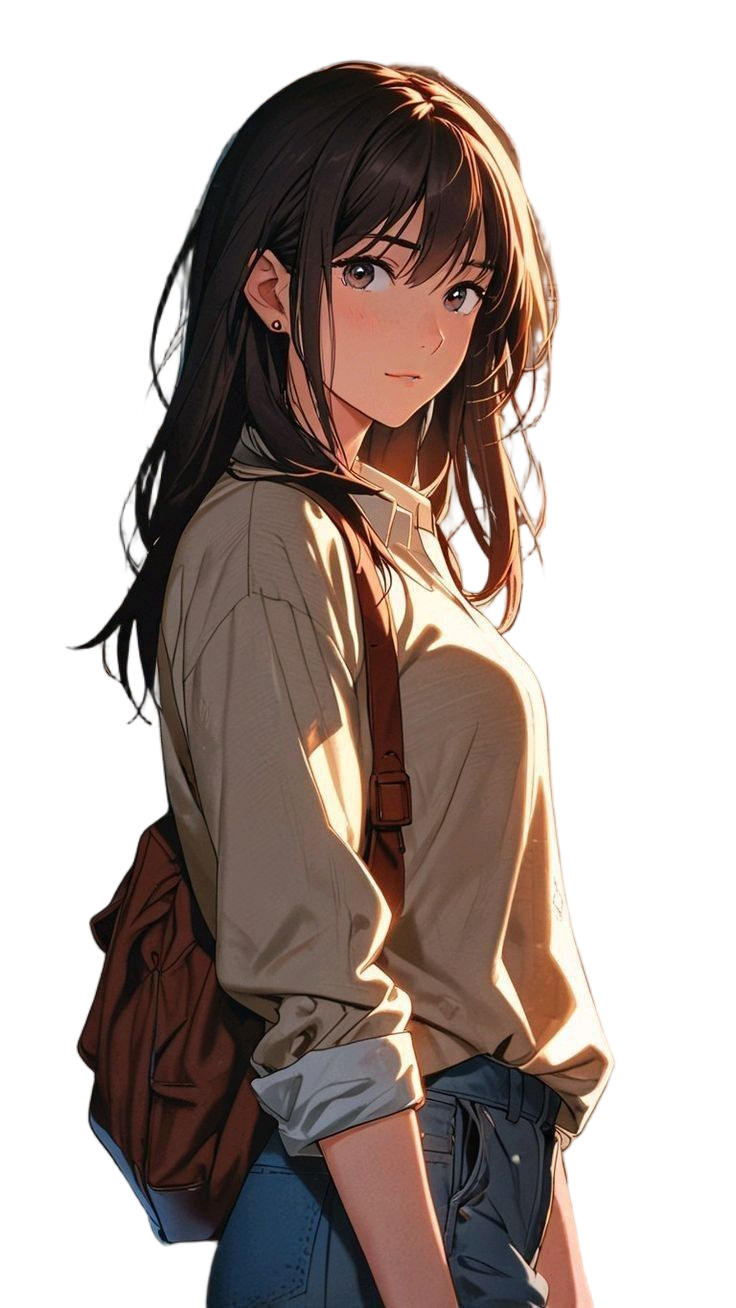
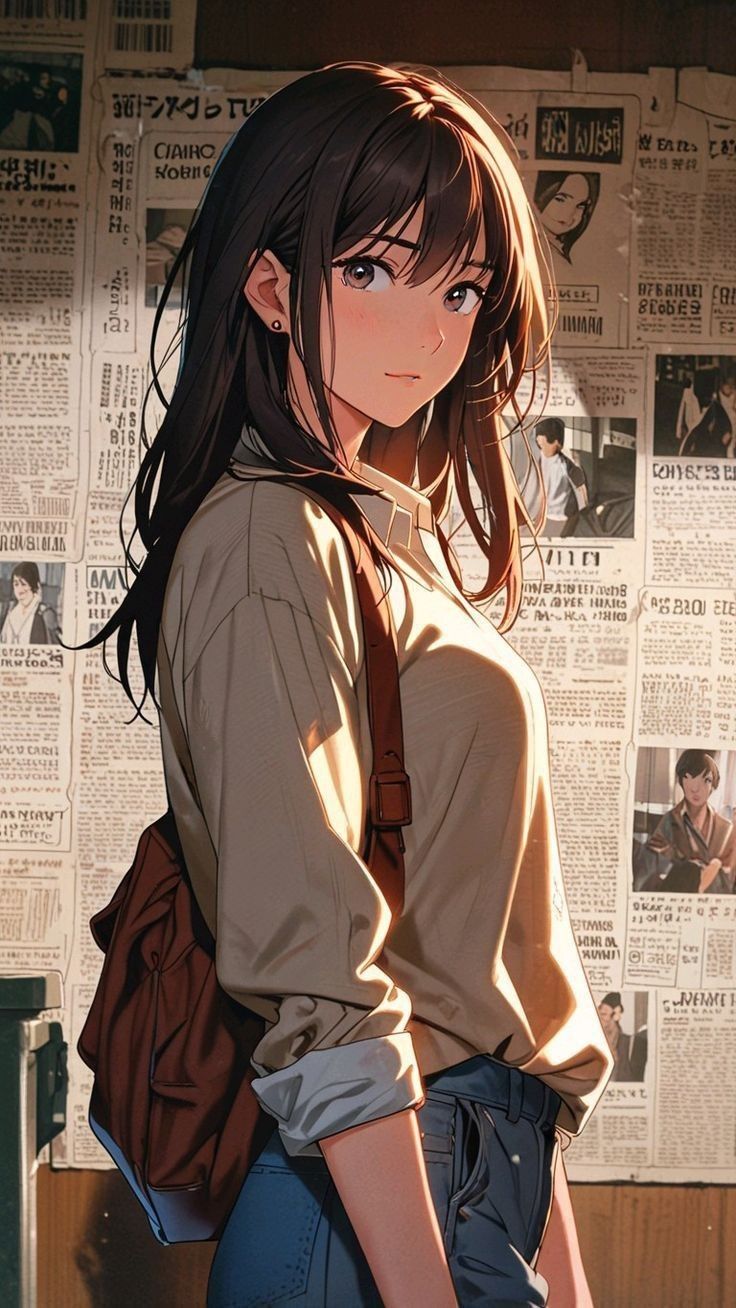
Anime Character
Remove the background from anime character art while preserving the character's silhouette and fine details.
Upload your image
Remove image backgrounds in one click and create clean, transparent PNGs from anime characters, illustrations, and photos.
Not sure what to upload? Try one of these:
See how the AI background remover separates anime characters, illustrations, and photo subjects from their original backgrounds. Create transparent cutouts ready for your next creative project.
Remove the background from anime character art while preserving the character's silhouette and fine details.
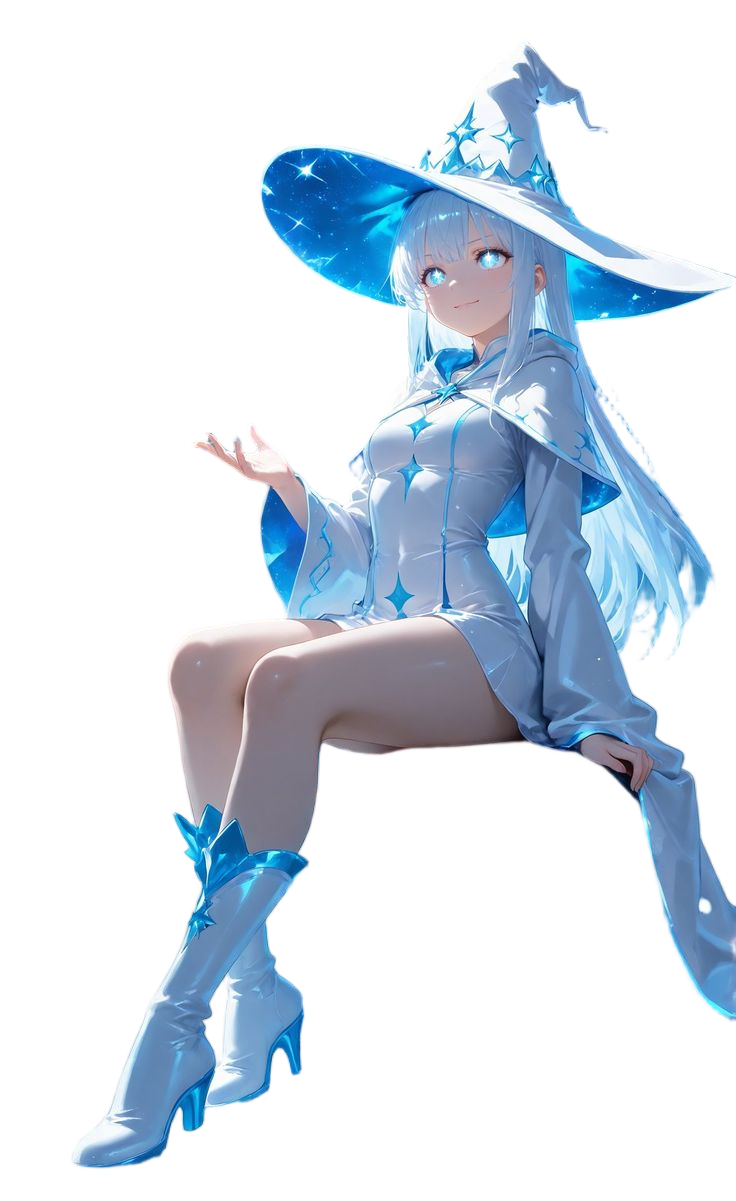
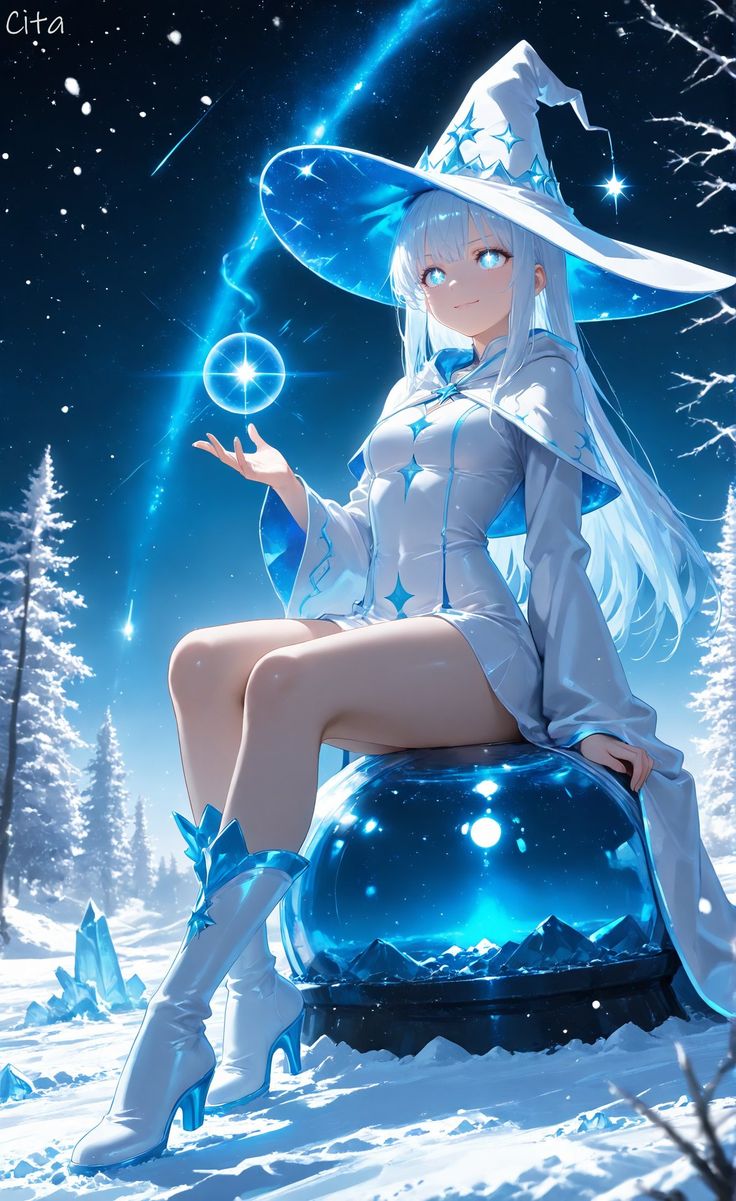
Isolate original characters for reference sheets, compositions, and creative projects.
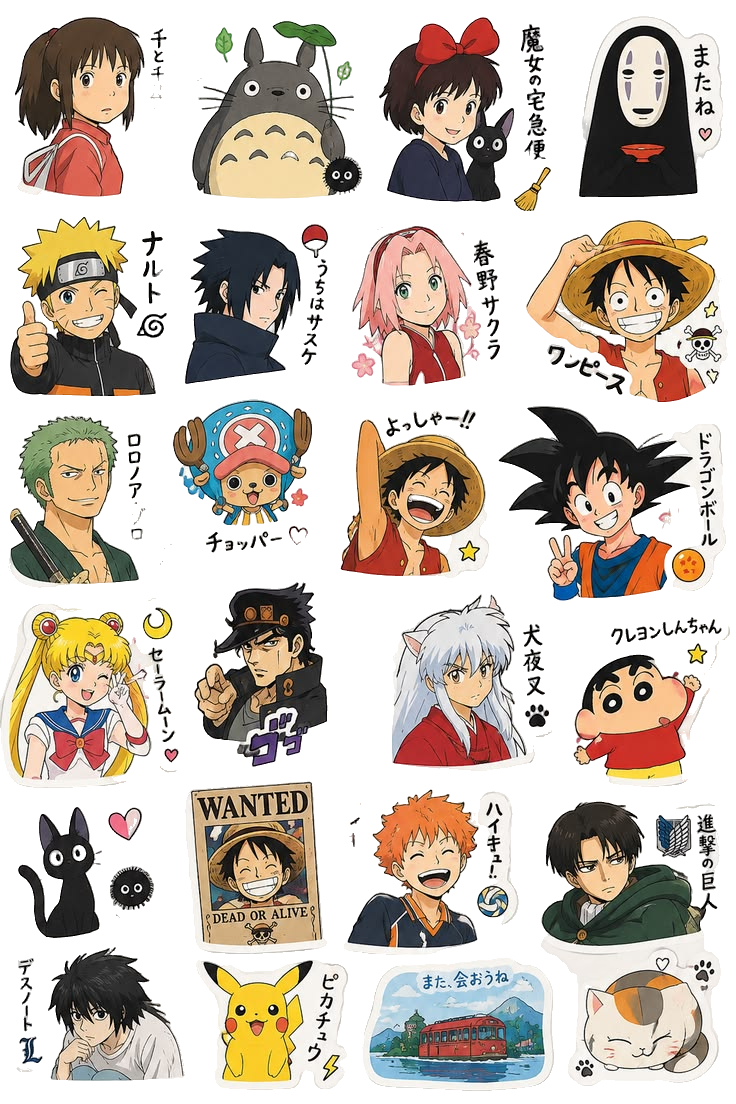
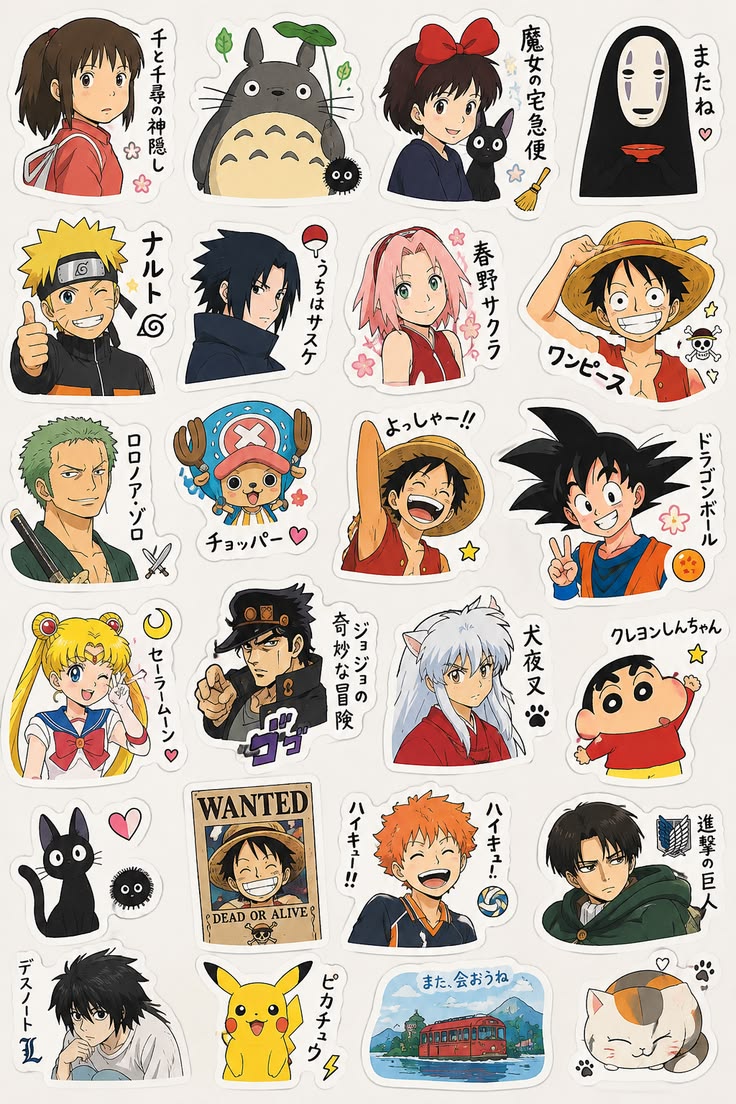
Create clean cutouts for stickers, emotes, and decorative assets.
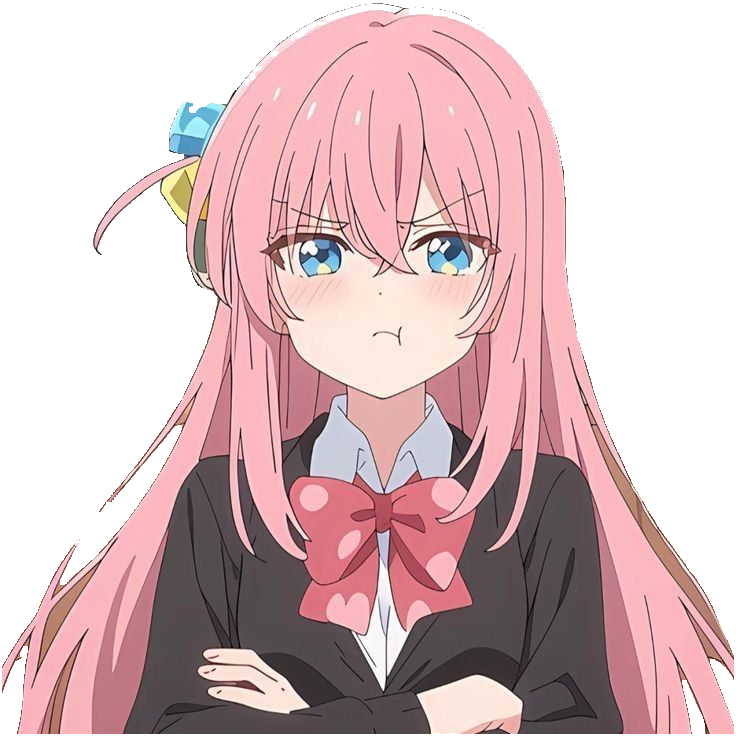
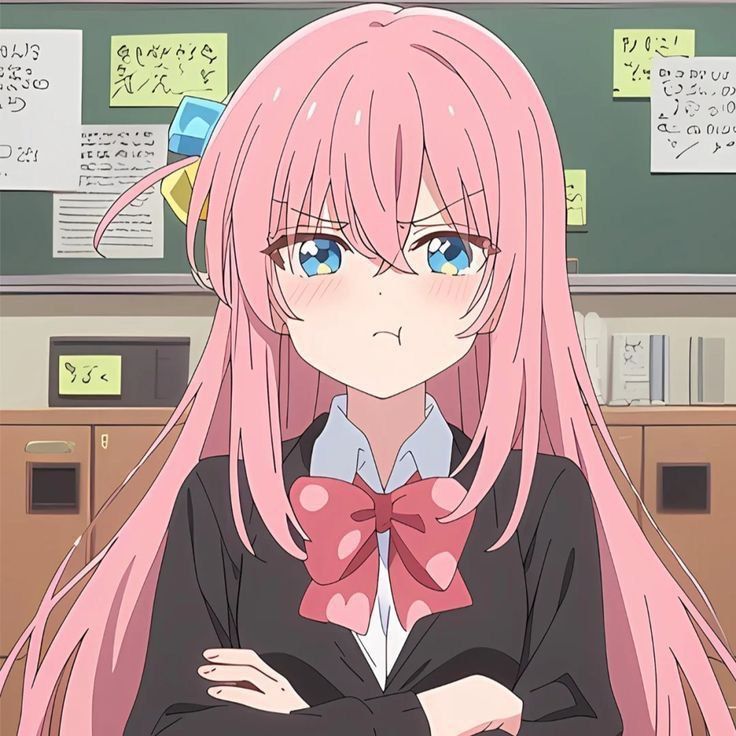
Remove distracting backgrounds from portraits and profile pictures.
Remove unwanted backgrounds and prepare your images for reuse. The AI background remover makes it easier to isolate subjects without manually tracing every edge.
Upload an image and let AI automatically separate the main subject from its background. No manual selection or complex editing skills required.
Download images with a transparent background and place your isolated subject onto new scenes, layouts, or designs.
Remove backgrounds from anime characters, manga artwork, chibi illustrations, and other digital art to prepare reusable creative assets.
AI-assisted subject separation helps retain important outlines, hair strands, clothing edges, and other visible details. Results may vary with complex backgrounds and overlapping objects.
Remove image backgrounds directly in your browser without installing desktop software.
Upload an anime character, illustration, portrait, or other image. Choose a clear subject for the best results.
Let AI detect the foreground subject and remove the original background automatically.
Check the transparent result and download your cutout as a PNG for avatars, stickers, character designs, or other projects.
Extract characters from anime artwork for character sheets, fan art compositions, and visual storytelling.
Remove unwanted backgrounds from character portraits before using them as profile pictures, social avatars, or online identities.
Prepare anime characters, chibi artwork, and mascot illustrations for stickers, chat emotes, and digital decorations.
Place isolated characters onto custom backgrounds for video thumbnails, banners, posters, and social media graphics.
Remove backgrounds from portraits, objects, and other supported image types for general creative projects.
Create transparent PNGs from anime characters, illustrations, and photos.
Remove Background